Start tracking in 2 minutes
No card needed to start.
or
By creating an account, you agree to the Terms of Service and Privacy Policy.
Dulybook tracks California business deadlines and finances. It is a tracking tool, not tax or legal advice. Terms · Privacy · Do Not Sell or Share My Personal Information · Free guides
English ·
What Dulybook does for you
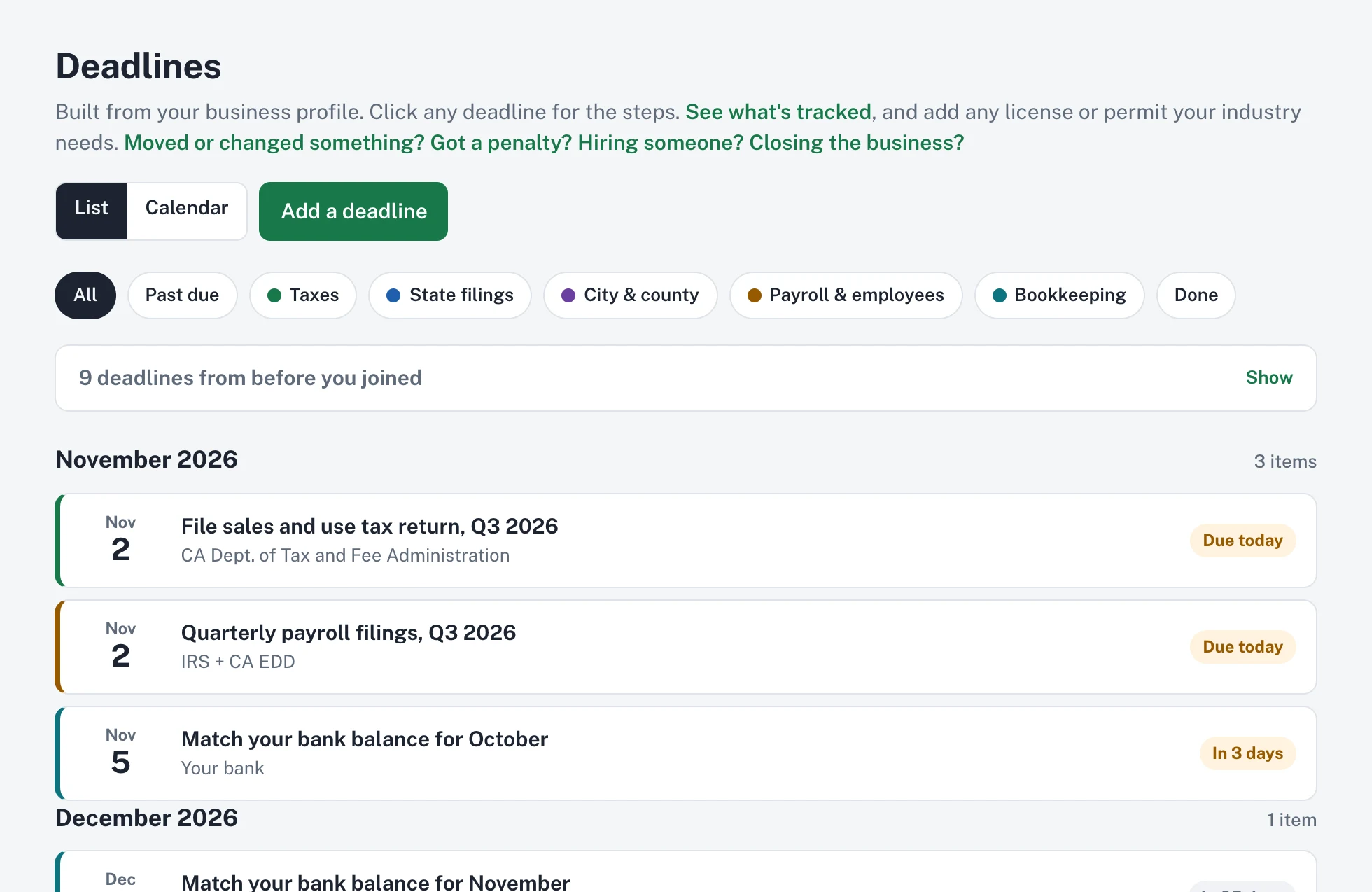
Deadlines
Stay ahead of every deadline
Dulybook builds the list of taxes, filings, licenses, and renewals for your business and reminds you before each one.
- Reminders by email and phone notification
- Synced to your Google, Apple, or Outlook calendar
- What each one costs and what happens if it's late
Step-by-step guidesPlus
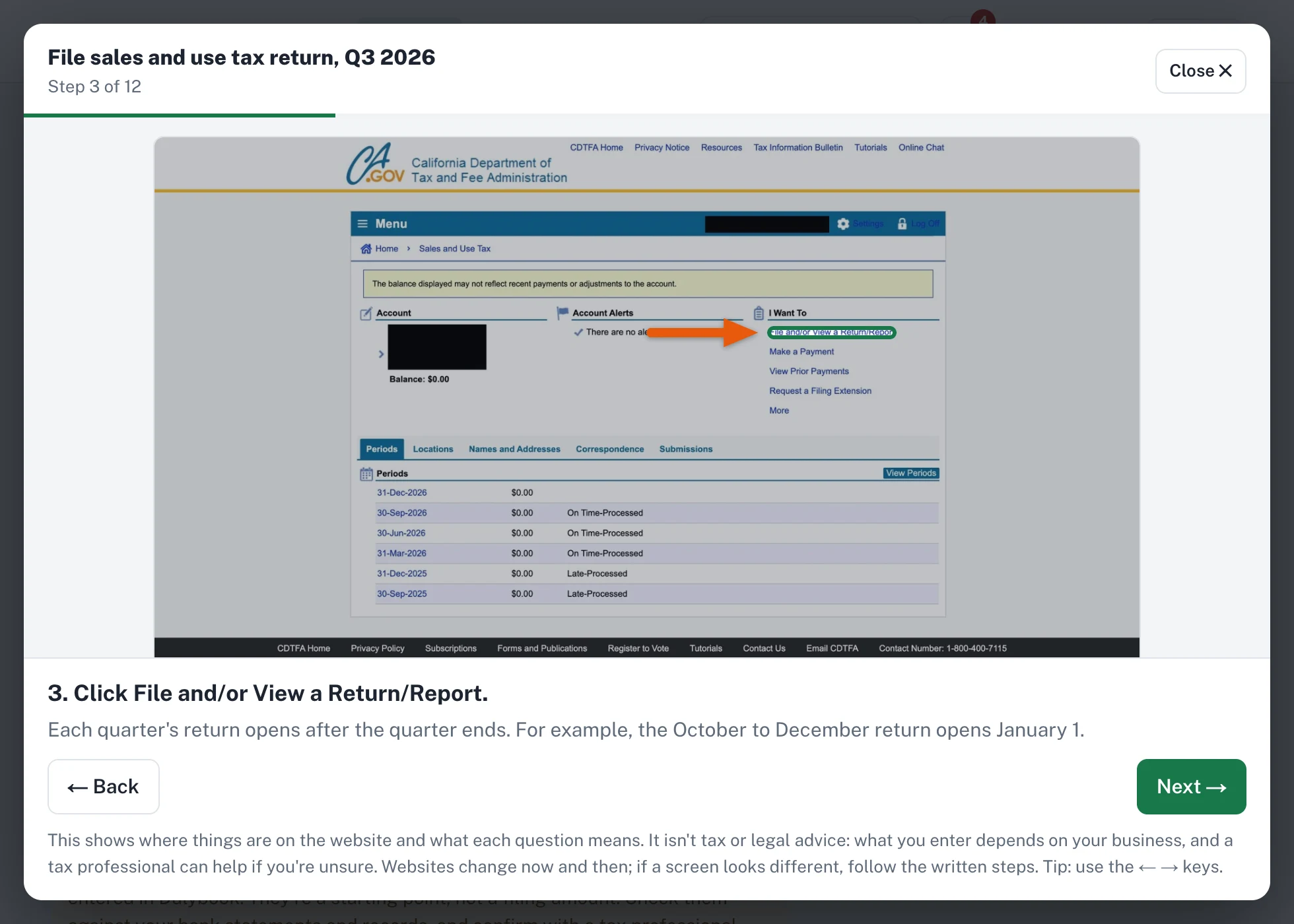
See exactly which button to click
Picture walkthroughs of the agency websites, one screen at a time, with what to click highlighted. Every deadline also has written steps and the official link.
- Plain-English steps for every deadline
- The official agency link every time
- You file and pay yourself, so you stay in control
Letter readerPlus
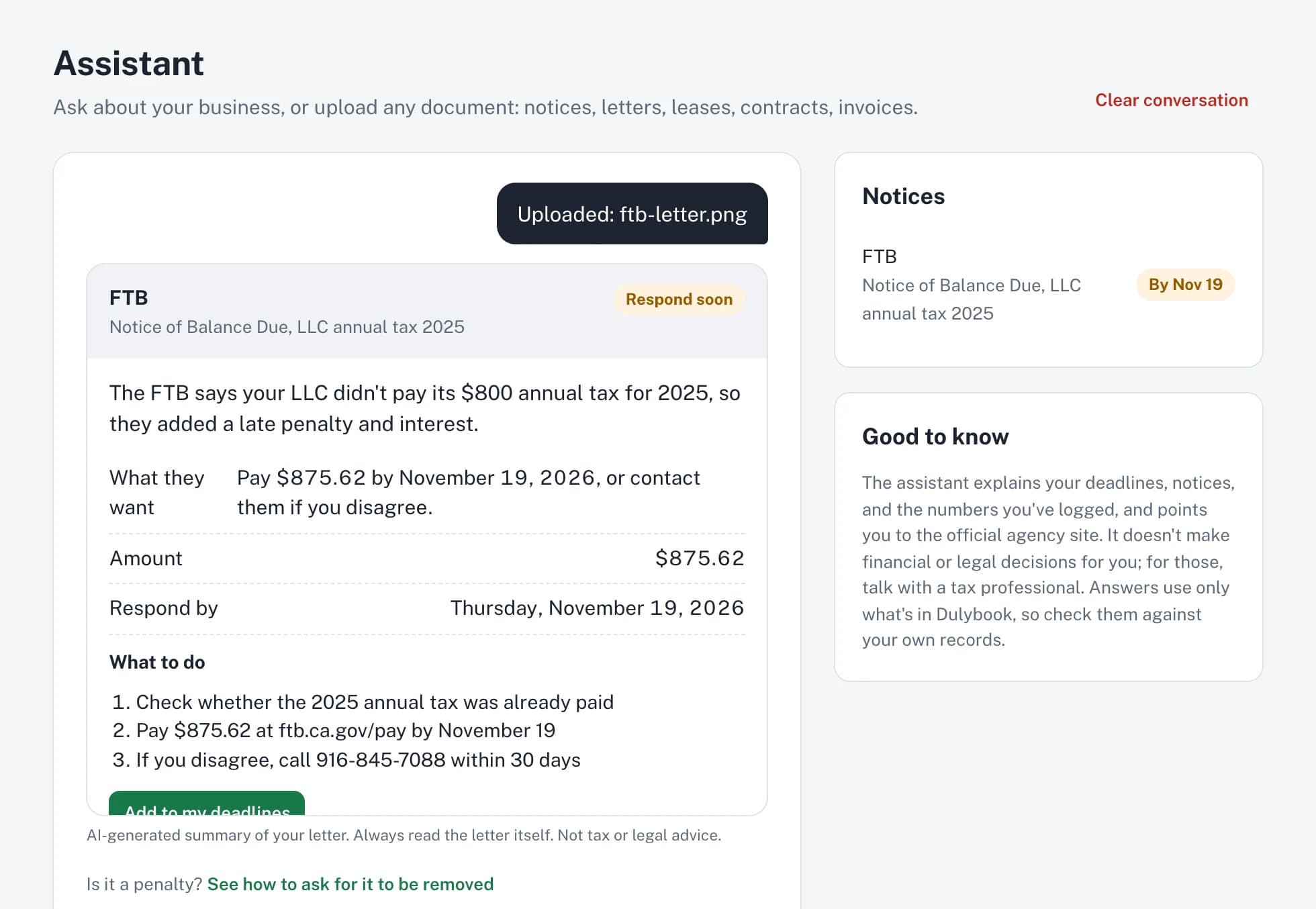
Got a letter from a tax agency? Upload it
Take a photo or upload the PDF. Dulybook explains what it says, what they want, how much, and by when, in plain English.
- Photos, PDFs, and Word files
- Add the response date to your deadlines in one click
- Ask questions about your own records
Simple books
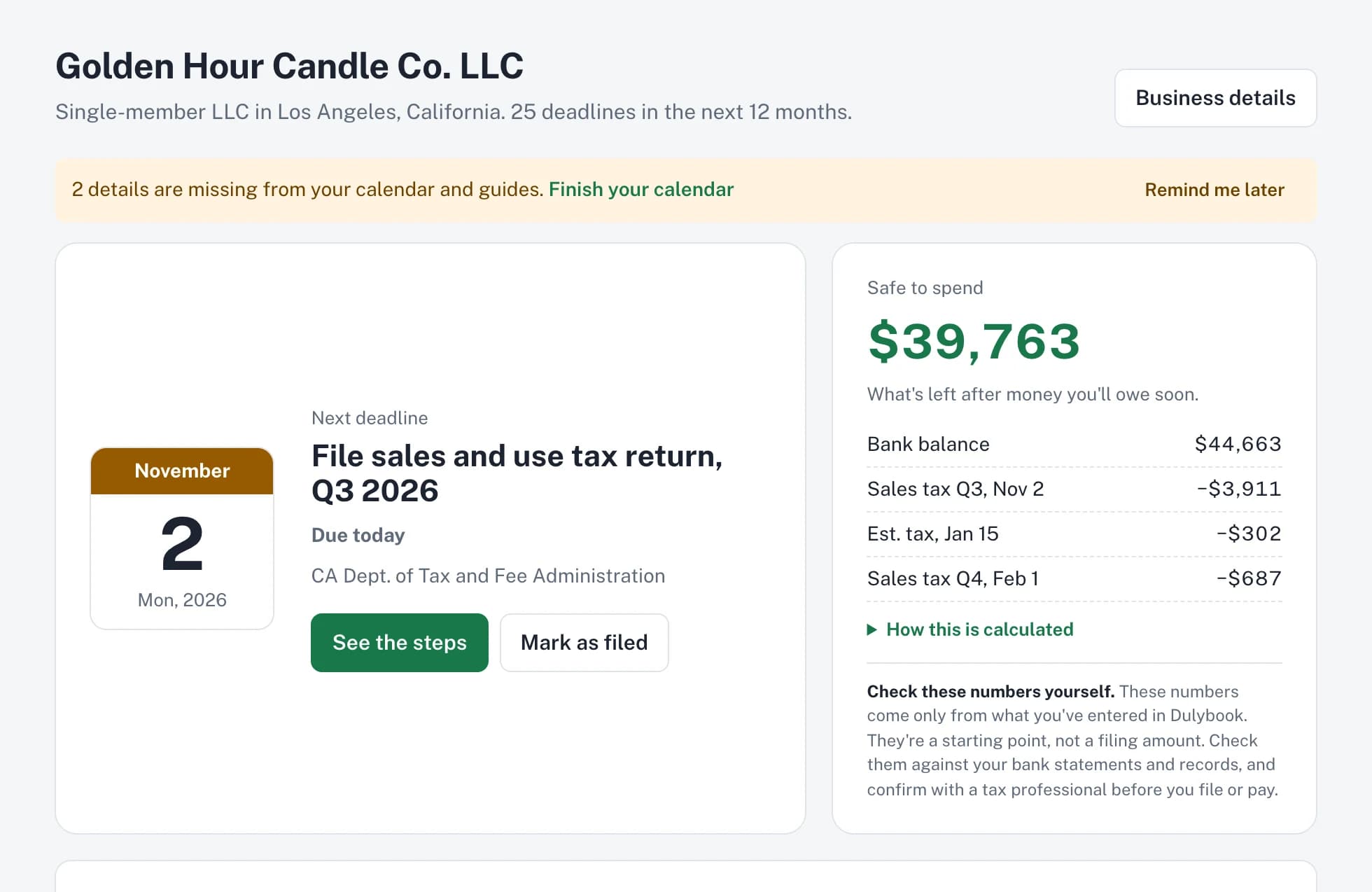
Know what's safe to spend
Log money in and out, match it to your bank balance, and see what's left after the taxes you'll owe soon.
- Quarterly profit and loss
- Receipt scanning on Plus
- A year-end packet for your tax professional
Figures come from what you log. Check them against your bank statements and records.
Invoices
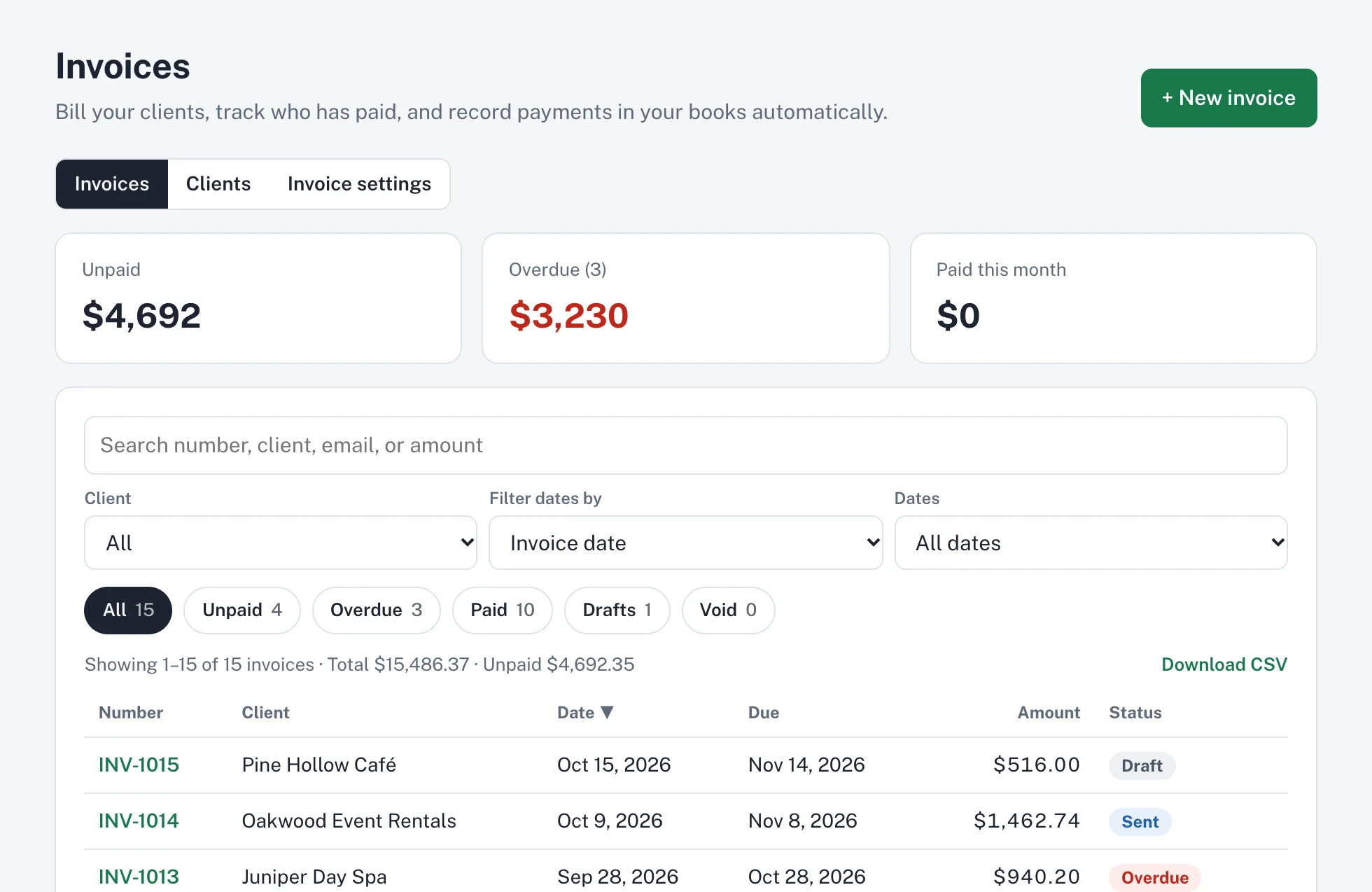
Send invoices and get paid online
Make an invoice in a minute. Clients can pay by card or bank, and the payment lands in your books.
- See who has paid and who's overdue
- Email invoices with automatic overdue follow-ups on Plus
- Download everything as a spreadsheet
And many more features to handle your business, all under one roof
- Calendar sync
- Phone and computer notifications
- Your own custom deadlines
- Confirmation numbers saved with each filing
- Bank balance matching
- Quarterly profit and loss
- Receipt scanningPlus
- Year-end tax packet
- Private document storage
- Auto-fill from your documents
- AI assistantPlus
- Insurance certificates by email
- Loan application packet
- Penalty removal help
- Moving or renaming your business
- Hiring your first employee
- Closing a business
- Vehicles and mileage logPlus
- Recurring billsPlus
- Free login for your tax professional
- More than one business, one login
- Download all your data
- English and Spanish
- Works on your phone and computer
See what each part does
Deadline reminders
Choose how many days ahead. Email, calendar sync with Google, Apple, or Outlook, and notifications on your phone or computer.
Step-by-step filing guides
Which website, which button, and which number to type, in plain English. On Plus, picture walkthroughs of the agency websites.
Simple books
Money in and out, matching with your bank balance, quarterly profit and loss, what's safe to spend, and a year-end packet for your tax professional.
Invoices
Make an invoice in a minute. Clients can pay online by card or bank, and the payment lands in your books.
Documents
Keep formation papers, permits, and letters in private storage. Upload one and Dulybook fills in your business details.
AI assistant and letter reader
On Plus: ask questions about your own records, get tax and government letters explained in plain English, and scan receipts.
Changes in your business
Moving, hiring your first employee, or closing a business you don't use: Dulybook lists every step and adds the deadlines.
Loan packet and insurance certificates
One folder for a loan application, and your certificate of insurance emailed to a client in one click.
How Dulybook works
Tell Dulybook about your business
Answer a few questions, or upload your formation papers and EIN letter and Dulybook fills in the details.
Get your deadline calendar
Every tax, filing, license, and renewal deadline for your business, with what it costs and what happens if it's late.
Get reminded, then do it yourself
Reminders before each deadline by email, on your calendar, and as phone notifications, with a step-by-step guide and the official link.
Plans
Free until January 31, 2027, no card needed. Cancel anytime.
Essentials
$25 a month · or $250 a year
Your deadlines, step-by-step guides, and reminders, plus simple books.
- Your tax, filing, license, and renewal deadlines, plus any due date you add
- Step-by-step filing guides
- Email reminders and calendar sync
- Money in and out, bank matching, Safe to spend
- Quarterly profit and loss, year-end tax packet
- Document storage with auto-fill of your business details
Plus
$35 a month · or $350 a year
Everything in Essentials, with the AI assistant and add-ons.
- Everything in Essentials
- AI assistant for questions about your business
- Notice decoder for tax and government letters
- Receipt scanning
- Email invoices to clients, with automatic overdue follow-ups
- Add-ons: vehicles, employees, insurance, lease and rent, company, bills
- Guided visual walkthroughs of agency websites for common filings
Prices in US dollars. Each extra business under the same login is 50% off.
Questions
Does Dulybook file or pay anything for me?
No. Dulybook reminds you and shows you how, step by step. You file and pay on the agency websites yourself, so you stay in control of your accounts.
Is Dulybook tax or legal advice?
No. It's a tracking and guidance tool. Every deadline links to the official agency page, and for questions about your situation, a tax professional or lawyer can help.
Do I need a credit card to try it?
No. The free trial includes everything in Plus, with no card. Choose a plan only if you want to keep going.
Where does Dulybook work?
Right now Dulybook covers federal and California deadlines, plus the City of Los Angeles and Los Angeles County. More states and cities are coming.
Is my information safe?
Sensitive numbers like your EIN are encrypted, documents are stored privately, and each account can only see its own data. We don't sell your data, and your records aren't used to train AI.
Can my tax professional see my records?
Yes, if you invite them. They get a free, read-only login, and you choose what they see.
Can I run more than one business?
Yes, under one login. Each extra business is 50% off your plan's price.
Does it work on my phone?
Yes. Dulybook is a website that works in any phone or computer browser, and you can add it to your home screen. There's nothing to install.
Is it available in Spanish?
Yes, in beta. Switch the language at the bottom of any page.
Free step-by-step guides
- California business deadlines for 2027: tax, filing, and payroll dates
- How to form an LLC in California yourself
- How to file a California Statement of Information
- How to pay the $800 California LLC tax (Form 3522)
- How to file a California sales tax return on CDTFA
- How to pay quarterly estimated taxes (IRS and California)
- How to close (cancel) an LLC in California
Stop wondering what's due next
Free until January 31, 2027, no card needed.
Create your free account